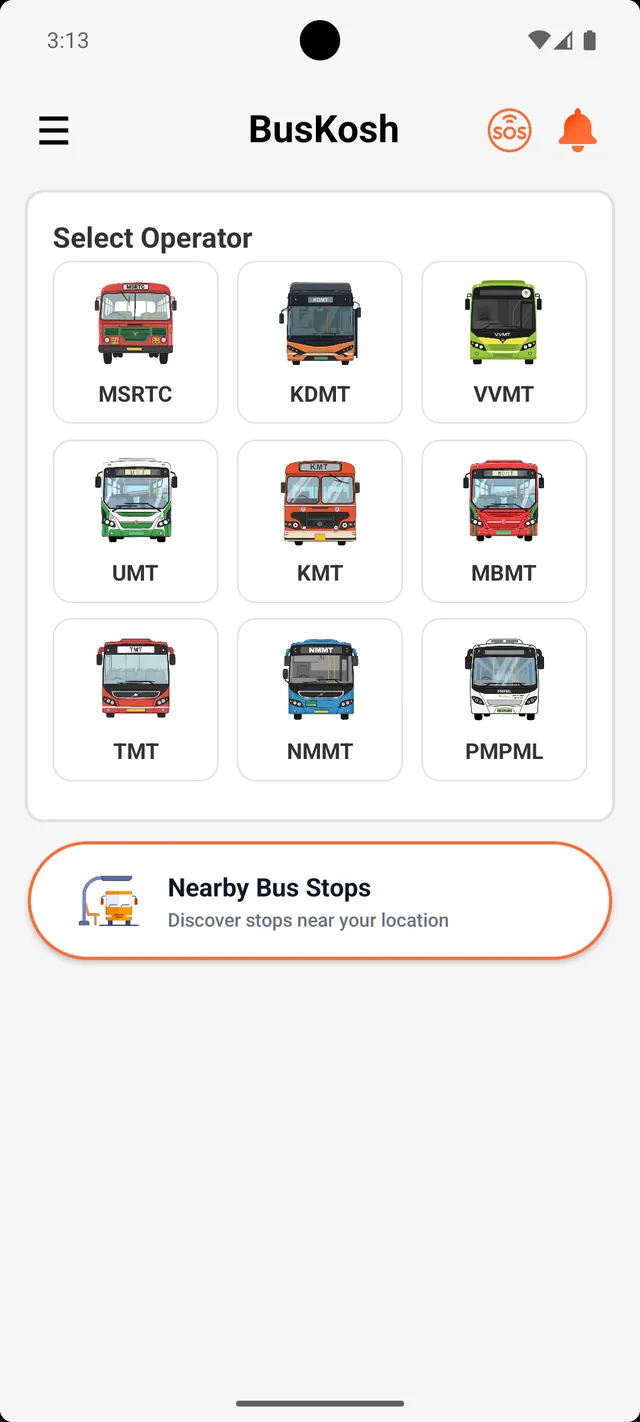
 BusKosh
SOS: help, one tap away
Share your live location with the people you trust, straight from the bus app.
How SOS works
- 1
Add contacts
In the app's settings, add the family members or friends who should be told in an emergency.
- 2
One tap
Press the SOS button on the home screen. No menus, no confirmation screens.
- 3
They get your location
Your live location and trip details are sent to your contacts by SMS, so it works even without data.
SOS is built for the moments bus travel is least comfortable: a late last bus, an unfamiliar stop, a breakdown on the highway. It is free, and your contacts stay on your phone.
Get the app
Free, every operator, every stop.
- Time at every stop
- Nearby stops
- Journey planner on a map
- Live updates and news
- Free, no sign-up